Sym Junk app
Sym Junk: my own app for the Halcyon Symbios and its dive computers
Why I built Sym Junk and what it does: one button for handset, HUD and unit, checklists without internet, leak test and pressure test that read themselves.
- Brand
- Sym Junk
- Product
- app
- Published
- 12 Aug 2026
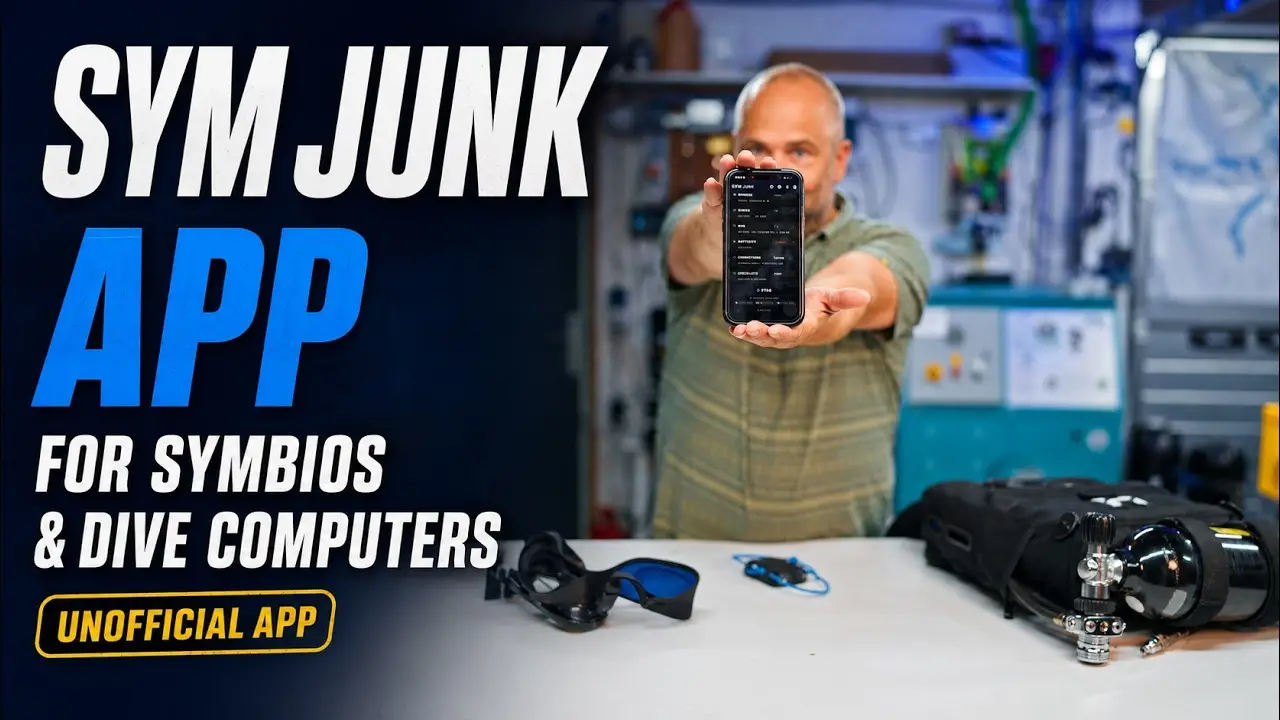
I came back from holiday with something finished: my own app for the Halcyon Symbios. Not because there was no app, but because the standard app got in my way on a few points. This is why I built Sym Junk, what it does and how to use it.
One thing first, and I say it in the video too: Sym Junk has nothing to do with Halcyon. I get nothing for it, it is my own work, and if something is wrong with the app that is my responsibility and not Halcyon’s.
Where it started
Three frustrations. The checklists in the standard app do not work without internet, because the photos are online. My gas library is online too, so when I wanted to change my gases in Norway without coverage, I could not. And the app is full of social media and shares all sorts of things; I want to dive and set up my computer, not share what I am doing.
The biggest frustration was synchronising. With a handset, a HUD and the unit itself I had to connect and sync three times after every change. That is the first thing I solved.
FleetSync: one button
You connect all your devices to the app once. After that there is one button. Press it and the sync goes to the whole fleet: handset, HUD and unit, one after the other. No more separate connections.
And because I always forget to switch one device on, the app makes a second attempt after the round at the device that did not respond. Usually you have just switched it on and it works after all. Then you see in one overview which settings have changed.
Settings
Dive mode, open circuit or closed, units, brightness, the time zone for the logbook, and per screen what you do and do not want to see. You save that as a set, with a name, and send it to your devices.
Two things to know about the handset. The first diluent in the list is the gas that is selected. If you dive with one diluent, keep it on diluent one and edit that. And the fields for low and high setpoint are the decompression setpoints; I read that wrong myself at first.
You enter the volume of your oxygen cylinder, because the logbook uses it later for calculations.
Connections and batteries
On the first connection with a handset or HUD the logbook is synchronised. That can take a while, depending on how many dives are on it. The app recognises what it is connecting and you can give the device a name instead of a serial number.
What I miss most in the standard app: reading battery voltages without picking up the computer. In Sym Junk that is one button. In the video: handset 3.9 V, HUD 3.8 V, the head 4.0 V and the GreenFlash cell 2.9 V. Still in volts, not percentages; the devices report volts and I am still working out the conversion to percentages. After a sync you see an estimated battery level in percent at the bottom, which disappears after ten minutes because it is no longer accurate by then.
Checklists that fill themselves in
There are two checklists: calibration and assembly. The photos are inside the app, kept small, so the lists work without internet.
The point of those lists is that the app reads what the devices know. For the oxygen leak test you close the oxygen, press read and start, and after thirty seconds the app reads the pressure again from the unit itself. In the video: 213 bar at the start, 213 bar at the end, so no leak. The intermediate pressure you still enter yourself, there is no sensor on that.
Same for the negative and positive pressure test: the app reads the pressure in millibar from the unit, counts down two minutes and reads again. You do not have to stand next to the unit to read the value. The computer should work for me, not me for the computer. Note that the Halcyon manual prescribes three minutes; see my article on the pressure test.
The calibration itself is done with the button on the head, held for seven seconds, with the head detached from the unit. A previous calibration can be recalled. Everything is stored locally only, not in the cloud.
Quick checks
If you are on site and only want a pressure test, there is a quick vacuum test: start, the app reads the beginning and the end, done. And if your computer and HUD are charging in the hotel, you can do an oxygen calibration with just the app and the unit.
Logbook and backup
The logbook pulls the dives from handset and HUD and merges the same dive. Not only by time, because the time can be set wrong, but also by duration and depth profile. You choose which device you want to see the dive from, and you give the dive site a name that is auto-completed next time.
Backups are a choice, not automatic. By default everything stays in the app. If you want to keep your dive sites and settings, switch the backup on; there is an option that makes a backup after every sync, because I always forget. Waypoints are deliberately kept out of the backup, so they never end up in a cloud unnoticed.
What is still to come
Battery percentages, and whatever you are missing. Put it in the comments under the video; I read them all. Everything about the app, with the download links, is on the Sym Junk page.