Halcyon Symbios CCR
Halcyon Symbios Setup Made Easy: HUD, Computer & App Configuration
Setting up the Halcyon Symbios without the guesswork: the HUD, the dive computer and the app in order, with the settings that actually matter.
- Brand
- Halcyon
- Product
- Symbios CCR
- Published
- 13 Jun 2026
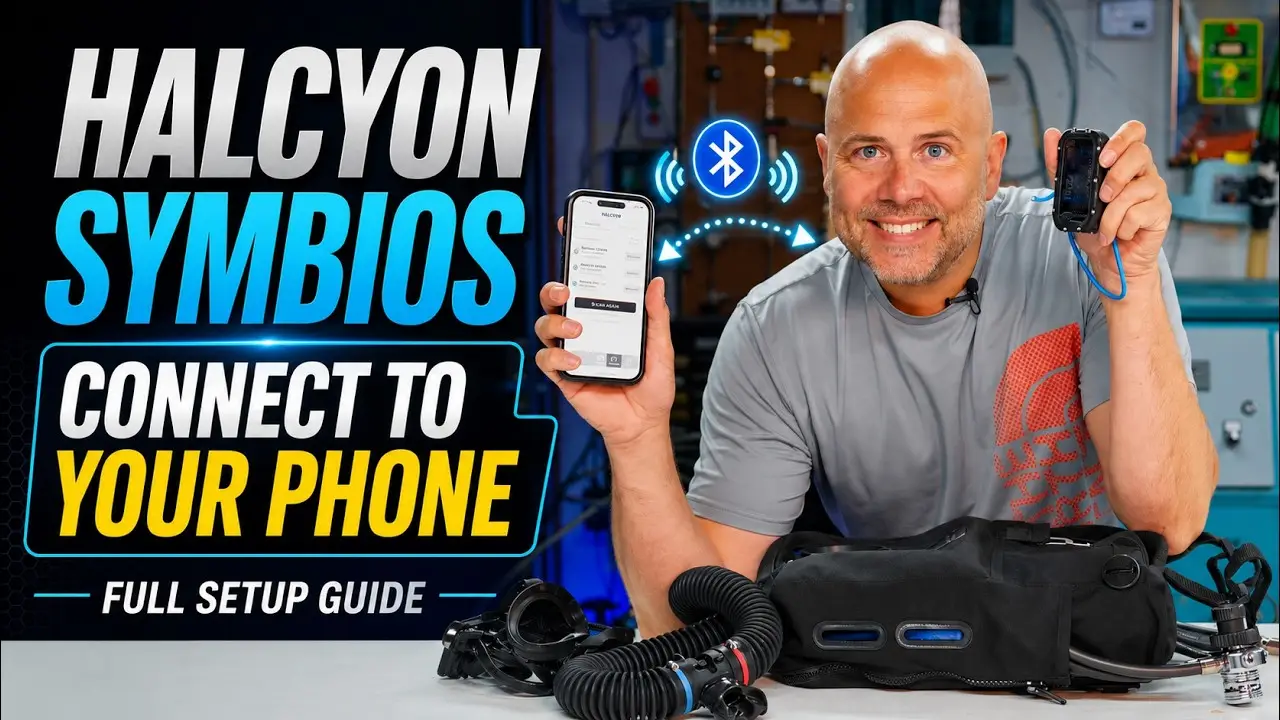
On most dive computers you set your gases with two buttons: click through, wrong button, start again. On the Halcyon Symbios you do it in the app and send it to the unit. That sounds like a detail, but it is the difference between five minutes of fiddling and pressing a button three times.
Here I go through the whole setup: app, computer, HUD and the unit itself.
The app, and why it wants an account
Download the Halcyon app first and create an account. I wondered why that was necessary until I saw what it does: it syncs your settings between devices. I am on Apple, so what I build on my phone is on my iPad too. That is where the value is.
The app shows your connected devices and a library. That library also holds the calibration and assembly checklists. If you are new to a Symbios those are not a luxury — they stop you skipping a step.
Building your gases
Start with gases. Name the set, add the mixes you are carrying, switch them on, and choose your diluent. Then save to library.
From that point on you never type those gases in by hand again.
Dive settings
Go to your dive settings, set the profile to closed circuit and give it a name. Then the computer settings: language, compass, and which screens you want.
I turn on a few that are not necessary but that I like:
- The buddy screen — hold my arm near my body and I see my buddy’s values.
- Gradient factors on display.
- The wireless screen, showing every connection. Pure nerdery, but I want to see it.
Then the decompression settings — I dive gradient factors 50/85 — and the gas table. And that last part is the point: you pick your gases from the library and they are in. Done.
Sending it to the devices
Go to the devices screen and connect to the handset. Pick your saved profile from the library, send to device, confirm. Done.
Then the same for the HUD: connect, pick the profile, send.
And for the unit itself: connect, and there you also see your calibration values. This is where you set your low setpoint, high setpoint and automatic setpoint. Confirm and it is done.
What an app should do
This is what an app ought to be: extra grip and extra comfort, not a second way of doing the same thing. The social media section I understand less — there is no shortage of that.
For the record, the Symbios electronics are Halcyon’s own. This is not a Shearwater under another name.